
Info
Title: Astra: Ardent Show
Genre: Adventure, Casual, Indie
Developer: Lustration Team
Publisher: Furlough Games, Horny Capybara
Release Date: 6 Feb, 2026
https://store.steampowered.com/app/3970070/Astra_Ardent_Show/
18+
Astra: Ardent Show Overview
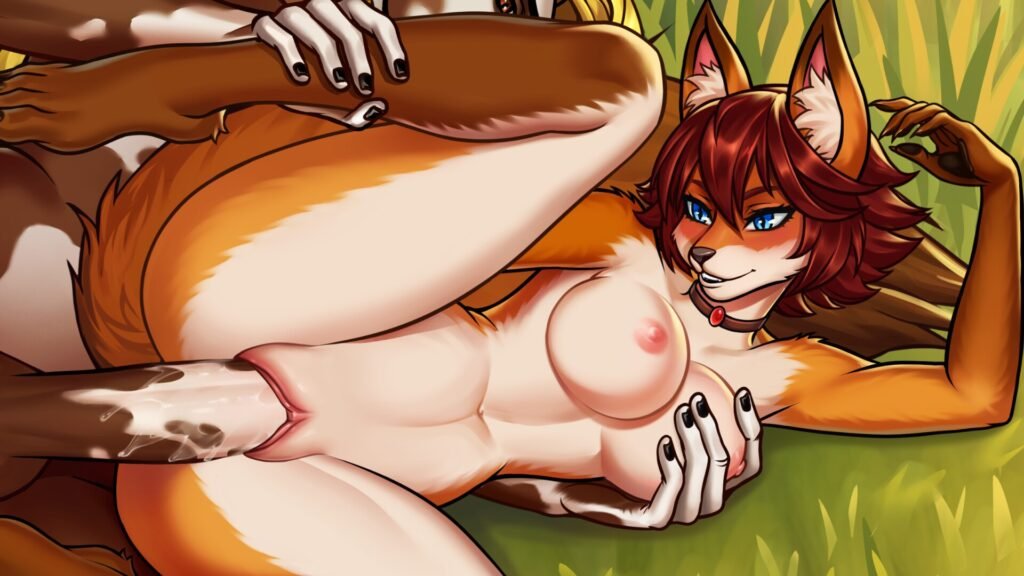
🦊 Astra: Ardent Show is a adult visual novel about a charming but rebellious furry fox princess who escaped her kingdom in search of freedom. Uncover the secrets of the past, meet the island’s unusual inhabitants, and make a choice that will determine the fate of the naughty princess. 🦊
Astra: Ardent Show is a NSFW visual novel about a bold and charming furry princess who decides to write her own destiny and completely changed her life. Astra had it all: a title of heir, a huge, beautiful castle, and a noble husband. But this perfect picture was missing the most important thing: freedom. One day, she abandons everything and escapes to a remote island, where she finds friends and turns her life into a vibrant show by becoming a traveling performer!
Game features:
- 14 animated and voiced hot sex scenes
- Various types of genitals (furry or vanilla)
- 14 sweet ERO cards
- 24 characters, Furry and Humans, all hand-drawn by brave artists 🥰
- 8 amazing comic-style cutscenes
- Mini-games of your choice — combat or puzzles, pick what suits your spirit
- And of course, the story of our fox heroine 🦊

System Requirements
- OS: Windows 10 or higher
- Processor: 2.0 Ghz 64-bit Intel-compatible
- Memory: 2 GB RAM
- Graphics: 512MB+
- Storage: 3 GB available space
- Additional Notes: OpenGL 3.0 or DirectX 11
How to Download
- Click the Download button below and you should be redirected to Link.
- Download The Game from the given link.
- When the game is downloaded Double click the game folder and run the Pre-Installed (Already installed) Game and play it.
- Have fun and play! Make sure to run the game as administrator and if you get any missing dll errors, look for a Redist or _CommonRedist folder and install all the programs in the folder.
DOWNLOAD HERE:
Win: Datavaults